How to Tour a Manufactured Home Community in California or Arizona
When you tour a manufactured home community, you are checking a future landlord as much as a neighborhood. In most communities you would own the home and rent the space under it, so whoever sets the rent and enforces the rules matters as much as the pool does.
A useful visit answers four questions: how the place is kept, what the monthly cost covers, how the rules are applied, and whether the office answers plainly. Most of that shows from the street if you go in the same order every time and write down what you find.
Set the visit up before you drive over
Call the office first. Ask when it is staffed, whether visitors may walk or drive the streets, and whether the community is all-age or age-qualified. Ask for the rules and regulations and the current rent for the space you are interested in, by email if possible, so you can read them before you arrive.
Bring something to write on. The before-you-shop checklist includes a one-page worksheet with lines for the space rent, what it includes, the age rules and the home’s details. A filled-in sheet for each community is what lets you compare them a week later.
Take every visit in the same order
A community visit, stop by stop
- The entrance and the office Notice whether they are kept up and whether someone is there during the posted hours. Ask your questions here, and ask for the answers that matter in writing.
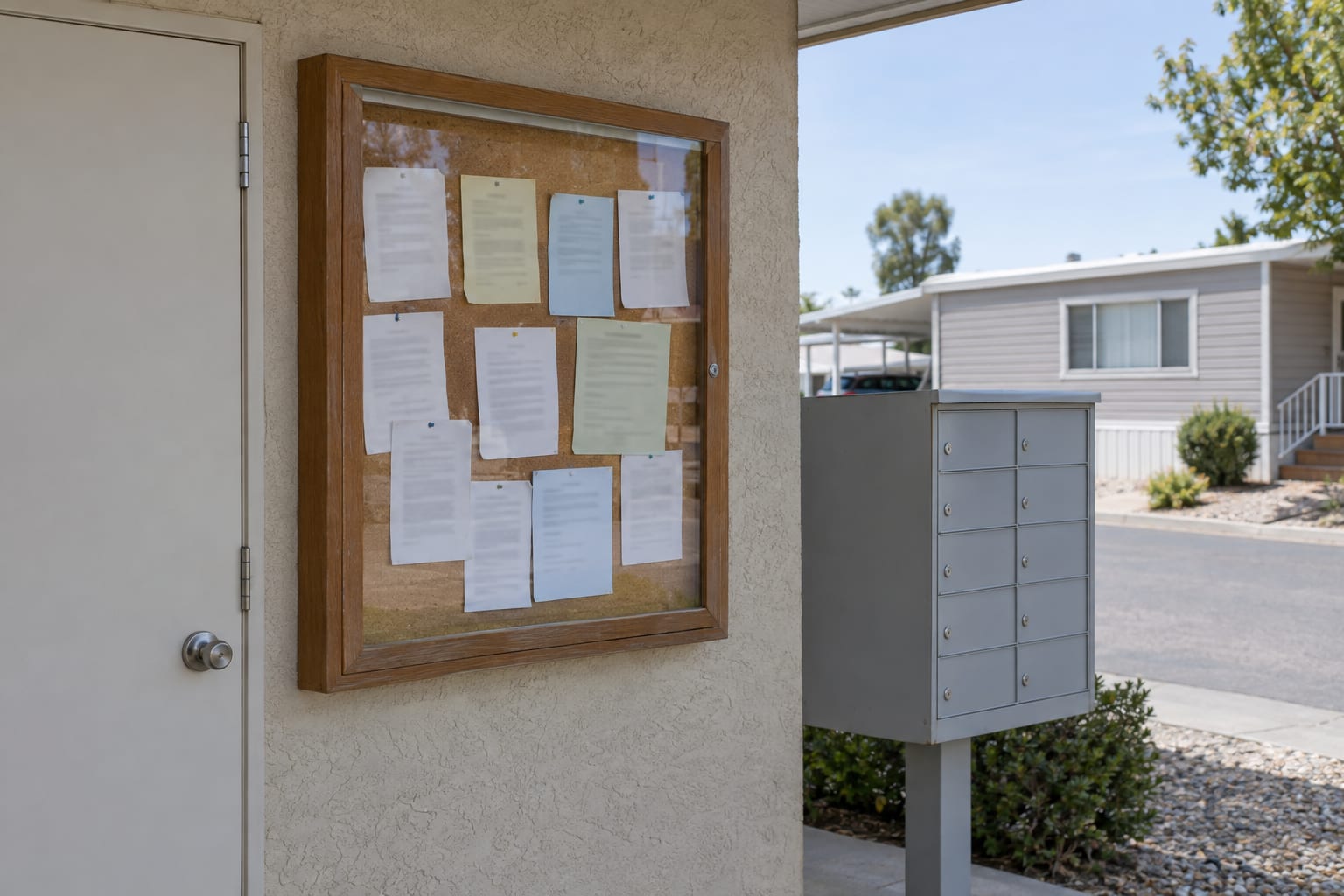
- The bulletin board Read what is posted at the office, the clubhouse or the mailboxes.
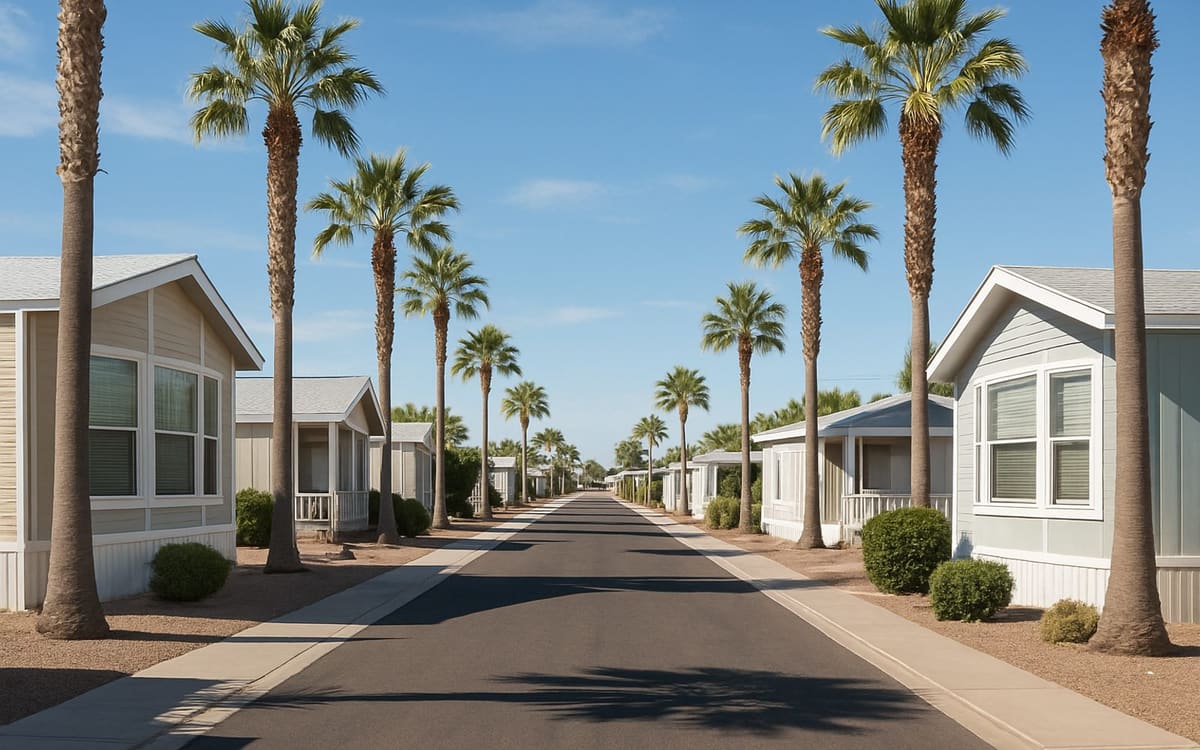
- Every street Walk or drive all of them, not only the one with the home for sale.
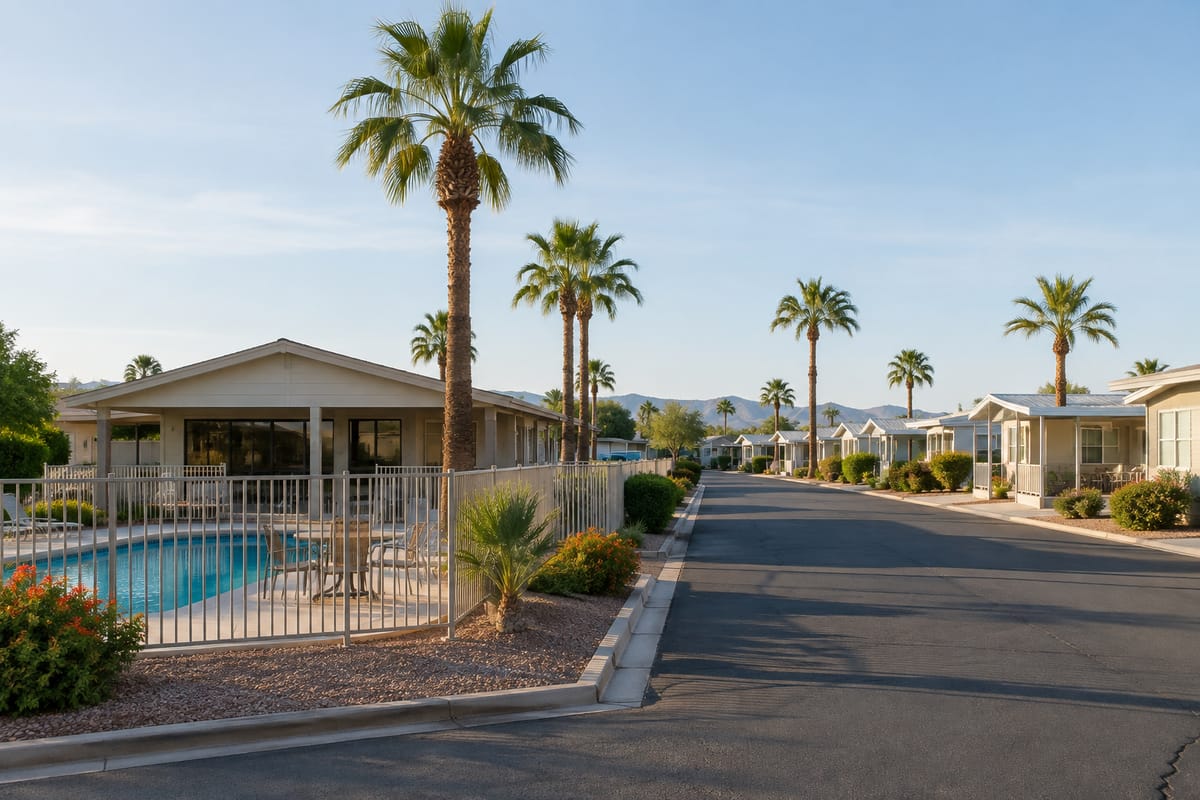
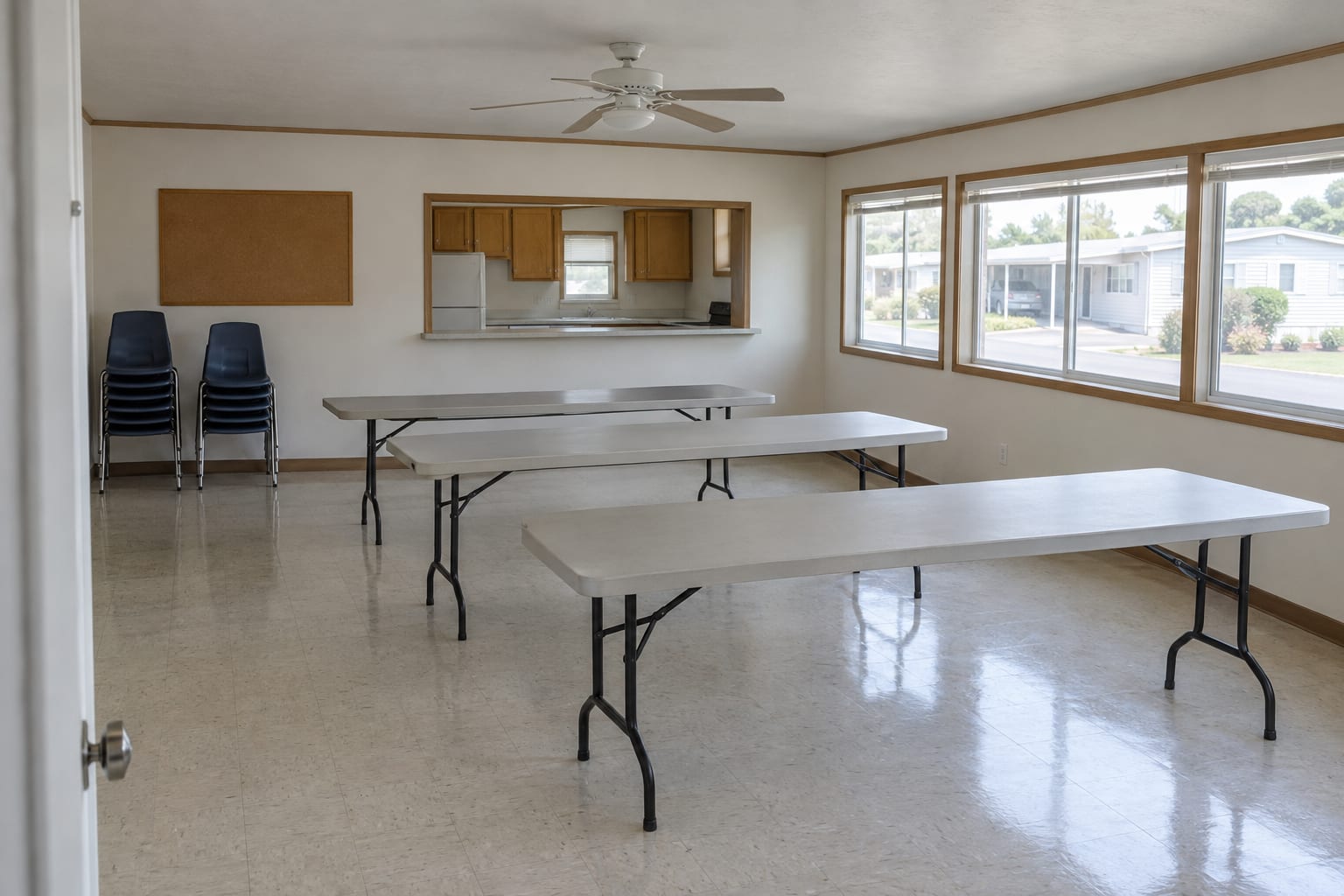
- The common areas Go in. A pool seen through a fence tells you less than a clubhouse door you tried.
- The space Stand on the lot of the home you are considering and look at drainage, neighbors, parking and shade.
- A resident or two Ask how long they have lived there, how repairs are handled and how the rent has changed.
What the streets and common areas can tell you
None of these signs proves anything alone. Each one is a reason to ask a question.
Reading what you see
| What you notice | What it may mean | What to ask the office |
|---|---|---|
| Broken paving, standing water, street lights out | Repairs are being put off | What was repaired in the past year, and what is planned? |
| Many empty spaces or for-sale signs in one section | Turnover, a rent change, or plans for that section | Why are these spaces empty, and what will happen to them? |
| Yards, skirting and carports in very mixed condition | The rules are enforced unevenly | How are rule violations handled? |
| A pool, clubhouse or laundry that is locked or out of order | An amenity the rent pays for may not be available | How long has it been closed, and when will it reopen? |
| Cars along the street and full guest spaces | Parking is tight | How many vehicles are allowed per space, and where do guests park? |
Read the bulletin board
The board by the office or the mailboxes shows what management and residents are dealing with this month. It is the one place where the community is not presenting itself to buyers. Look for:
- notices about rent, fees or utility charges;
- rule changes, and reminders that a rule is being enforced;
- shut-offs and repair schedules;
- meeting notices from a residents’ association;
- anything about a sale, or a change of owner or manager.
Photograph the board, and ask the office about anything you do not understand.
Questions to settle at the office
Take the same questions to every community, so the answers can be set side by side.
Ask for the rent figure for the specific space, not a range for the whole community. Space rent is paid on top of any loan payment, and a lender counts it when reviewing your application. How space rent affects what you can afford shows how to compare two communities on the full monthly cost.
The rules themselves deserve a slow read at home. How park rules can affect your purchase takes them one at a time.
Look at the space as well as the home
A home can be repaired or replaced. The space it sits on stays as it is, so stand on the lot and check it separately.
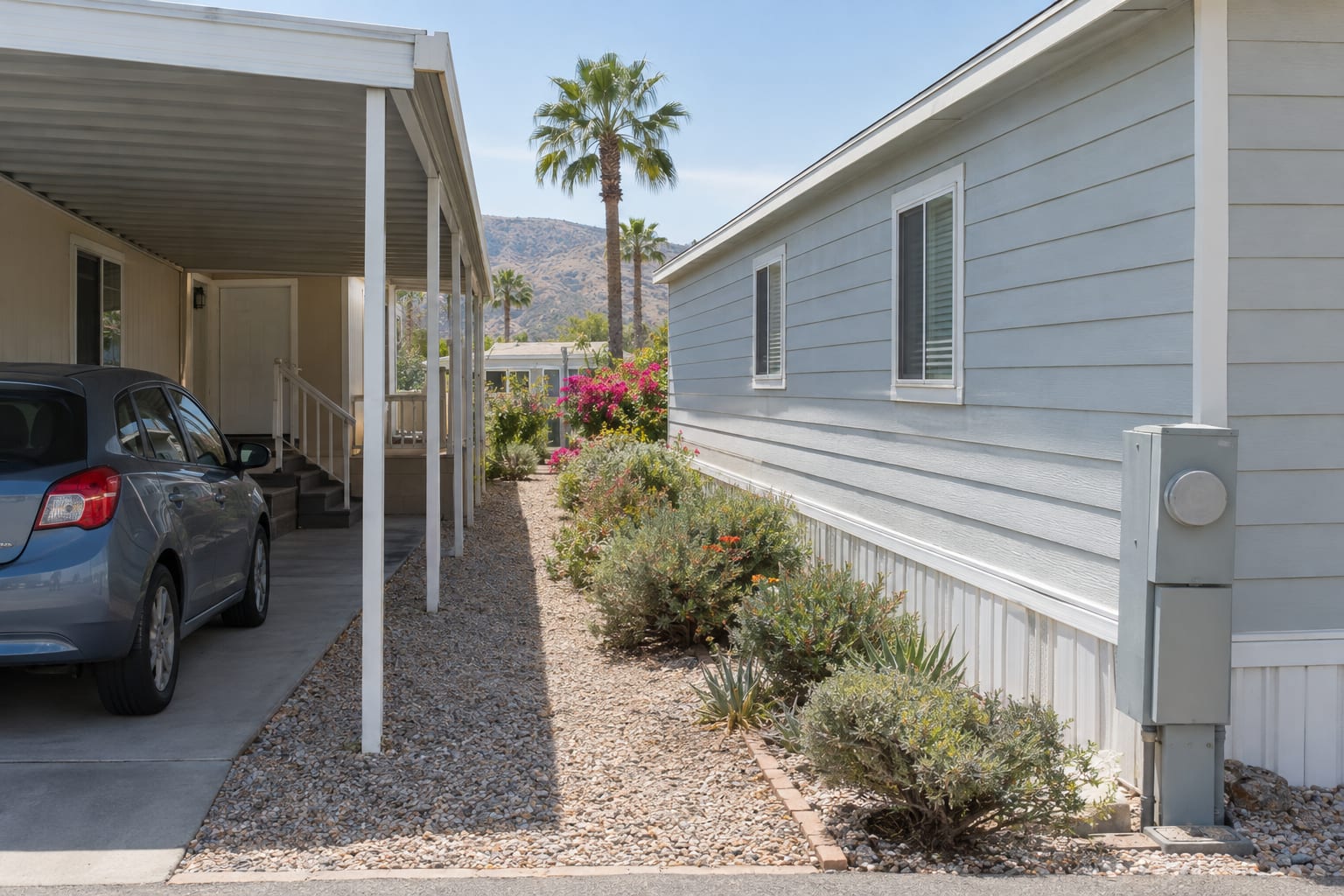
- Drainage. Is the space lower than the street or the lots beside it? Look for water stains on the skirting and channels cut into the gravel.
- Neighbors. How close are the homes on each side, and what do their windows, carports and patios face?
- Parking. How many vehicles fit under the carport and on the driveway?
- Sun. Which side takes the afternoon sun, and is there an awning or a tree on it?
- Utilities and trees. Find the pedestal and the meters, and ask who maintains the lines from there to the home and who trims a large tree on the lot.
While you are there, ask to see the home’s data plate, the paper sheet inside the home that lists the manufacturer, the date of manufacture and the serial number. Photograph it and note the number of sections. A financing conversation starts from those details.
Go back at a different time
One visit shows one hour of one day. A weekday morning shows the office at work. An evening or a weekend shows noise, parking, lighting after dark and who uses the common areas.
What you look for also shifts with the climate. In the low desert, a summer afternoon shows how much shade the streets and the space really have. Near the coast, look at the metal: awnings, railings and steel steps show how salt air has treated the homes. City-by-city notes are on the California and Arizona city pages.
Check the record once you are home
Some facts are better taken from a public record than from a conversation.
- The park’s state record, in California. A park must hold a permit to operate from HCD, the state’s Department of Housing and Community Development. HCD’s park operation page explains the permit and links the park search, where you can look up a park’s record.
- Flood zone. Enter the address at the FEMA Flood Map Service Center.
- Wildfire zone, in California. CAL FIRE publishes Fire Hazard Severity Zone maps. A mapped flood zone can mean required flood insurance, and a mapped fire zone is a reason to get an insurance quote early, so look before you make an offer.
- Who owns the land. In either state, the county assessor’s parcel records generally name the owner of record.
- The law the tenancy comes under. In California it is the Mobilehome Residency Law, which HCD links from its page on your rights as a mobilehome park resident. In Arizona it is the Arizona Mobile Home Parks Residential Landlord and Tenant Act, in Title 33 of the Arizona Revised Statutes.
This article is general information, not legal advice.
Write up each visit before the next one
After three visits the details blur, and the community with the nicest pool tends to win by default. Before you see the next one, fill in the worksheet and note four things in your own words: the monthly cost you were given in writing, the state of the streets and common areas, any rule that conflicts with your household, and how the office handled your questions.
When one community comes out ahead, take the worksheet for the home you liked there to a lender before you make an offer. The year, the number of sections and the space rent are enough to start a financing conversation.